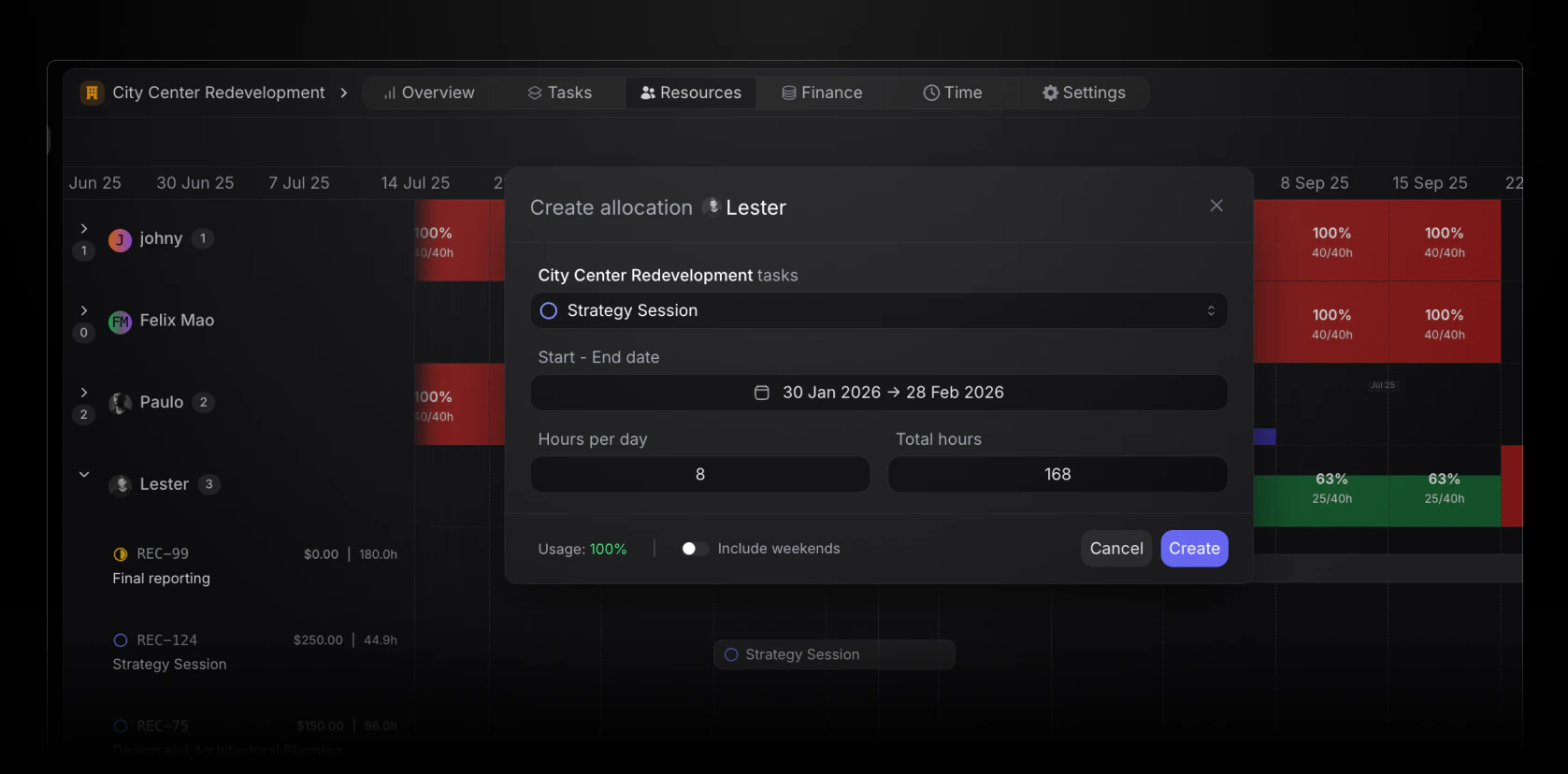
The first step in creating a time allocation, is to select what task the allocation should be associated to.The dropdown will show all tasks currently created in the project, sorted by status (to do, in progress, under review, completed, backlog and cancelled)
When creating an allocation, it needs both a start and end date.Note! It’s possible to have multiple allocations at different time periods for the same task for the same member.
Enter how many total hours should be spent working on the task in the allocation period. This will automatically calculate the equivilant hours per day.
In the bottom corner of the allocation window, view a real-time impact of new allocations.
This percentage is calculated by showing existing allocations and the impact of the new allocation in the selected period.