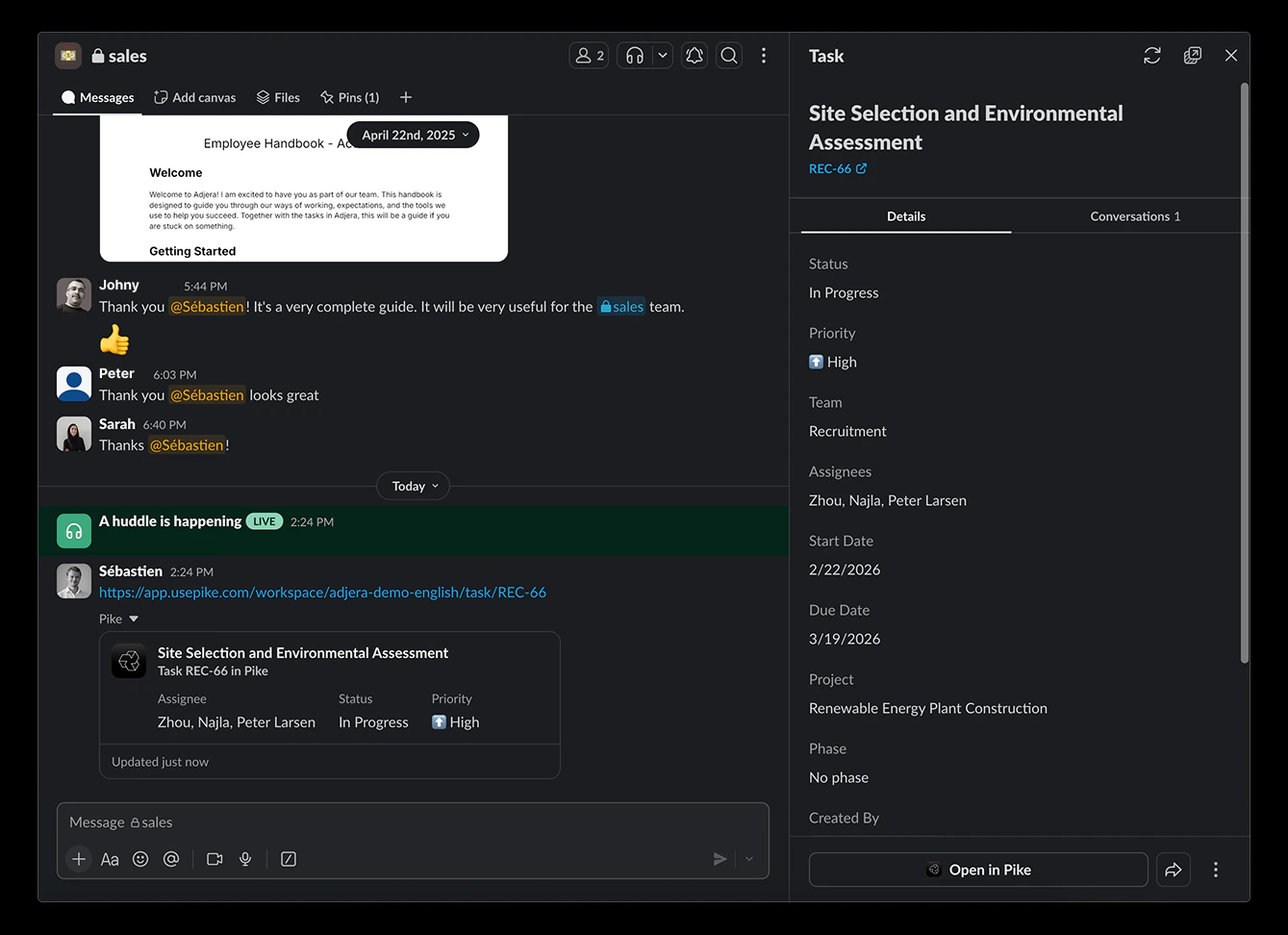
1. Connecting Slack with Pike
- Go to Workspace settings -> Integrations -> Slack
- Click on Add integration
- Follow the steps in the pop up to connect and authorise your Slack account to Pike
- Select your workspace to sync Pike with
2. Syncing
The Slack integration makes it easy to view Pike tasks and their data directly from Slack. Links from Pike tasks sent in Slack will expand to show a preview with key properties such as description, status, assignee(s), start and due date, project and phase. Expanded links will include actions when available so that members can update tasks directly from Slack. Once the preview is live in Slack, refresh it to pull in the latest data from Pike.