
Key Features
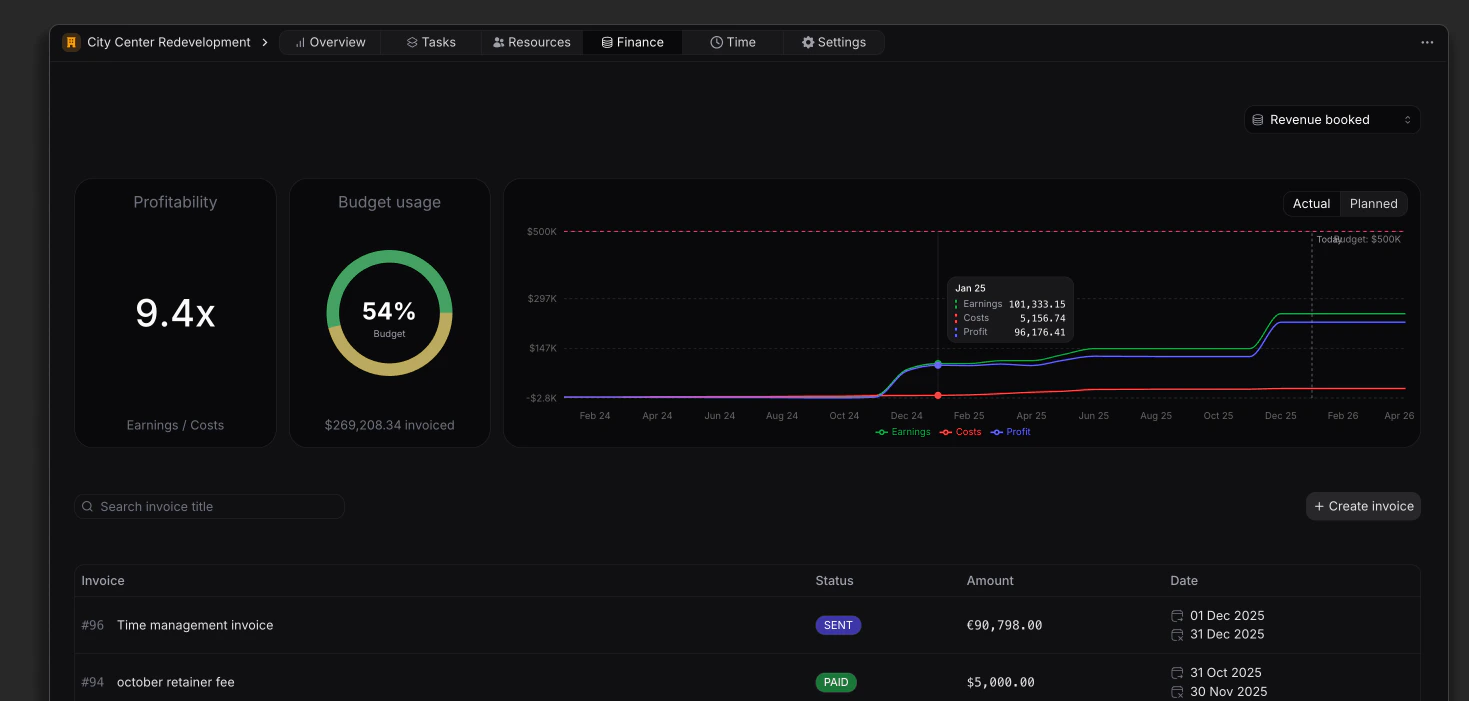
Financial Overview
- Invoice Management: Efficiently manage invoices related to the project, with the ability to search for specific invoices by title.
- Financial Metrics: Monitor profitability and budget utilization to ensure the project remains within financial limits.
- Invoice Creation: Easily create new invoices directly from this view, streamlining the billing process.
Invoice List
The Finance view includes a list that displays all invoices associated with the project, providing essential information at a glance:- Invoice Number: A unique identifier for each invoice, facilitating easy reference.
- Title: The title of the invoice, providing context for the billed services or products.
- Status: The current status of the invoice (e.g., Draft, Sent, Paid, Overdue), allowing users to track the billing process.
- Amount: The total monetary value of the invoice, helping to assess financial commitments.
- Date: The date when the invoice was issued, providing a timeline for financial transactions.
Creating Invoices
Discover how to create and manage invoices effectively.