
Overview
There are multiple ways to edit information of a task. All assigned members of a task, regardless of who created it are able to edit the task properties.Quick edit
While in either Board or List view, you can from the task card without having to go into the task page or using the task sidebar, edit the following:- Asignee(s)
- Priority
- Labels
- Due date
Task sidebar
In all task views (Board, List and Timeline), by pressing on the task card, a sidebar will appear from the right. Here you can edit all of the above mentioned properties as well as:- Task title and description
- Start and due date
- Associated phase
- Billable status
- Time entries (nb: Only admin and manager users can edit time entries for all members, while other roles can only edit their own)
- Checklist items
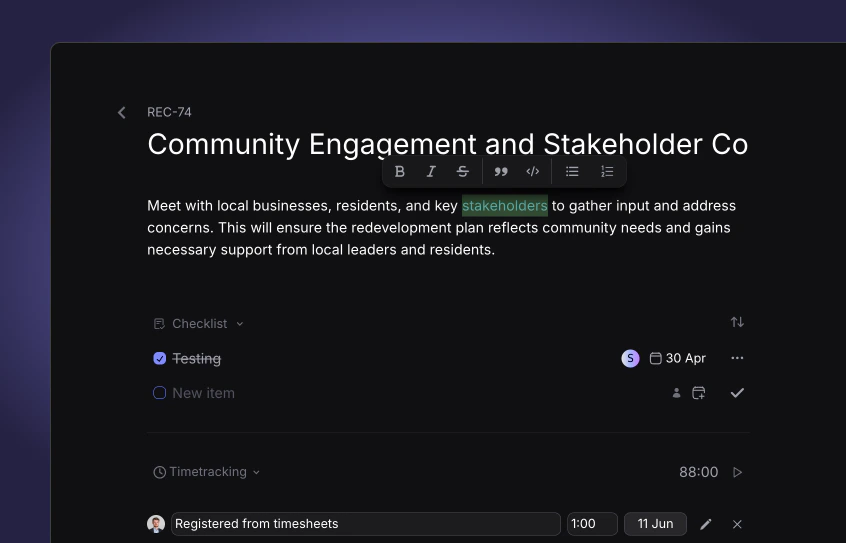
Task page
When expanding a task to view it’s entire page, you can now edit the above mentioned properties and:- Attachments
- Dependencies